A note on fairness: Piamo is our app. We describe every app below from its own US App Store listing, checked on November 20, 2026, and say plainly where Piamo is not the right choice. Prices change and differ by country, so we don’t list them.
Piano learning apps compared
| App | Best for | What you play on | Free to try |
|---|---|---|---|
| Piamo | Learning without a piano | On-screen keyboard on iPhone; no piano needed | 3-day free trial on the annual plan |
| Simply Piano | Popular songs and step-by-step courses | Real piano or keyboard; the app recognizes what you play. Touch Courses for on-screen play | Two free courses |
| flowkey | Learning songs by watching a pianist | Real piano or keyboard, through the microphone or Bluetooth/MIDI | Free to download; subscription for the full library |
| Skoove | A structured course with theory and note reading | Any piano or keyboard, through the microphone or USB/Bluetooth MIDI | Free to download; Premium subscription |
| Piano by Yousician | Game-style practice with feedback on timing | Your piano or keyboard; the app listens along | Free trial |
How to choose a piano app
- Do you have a piano or keyboard? If yes, an app that listens to you gives the most useful feedback. If not, choose one with an on-screen keyboard.
- What do you want to play? Pop songs, classical pieces or simple tunes to start with.
- How do you like to learn? A structured course, watching a pianist, or short game-like sessions.
- Try before you subscribe. Every app here has a free trial or free lessons. Use them.
Piamo
Best for: learning without a piano.
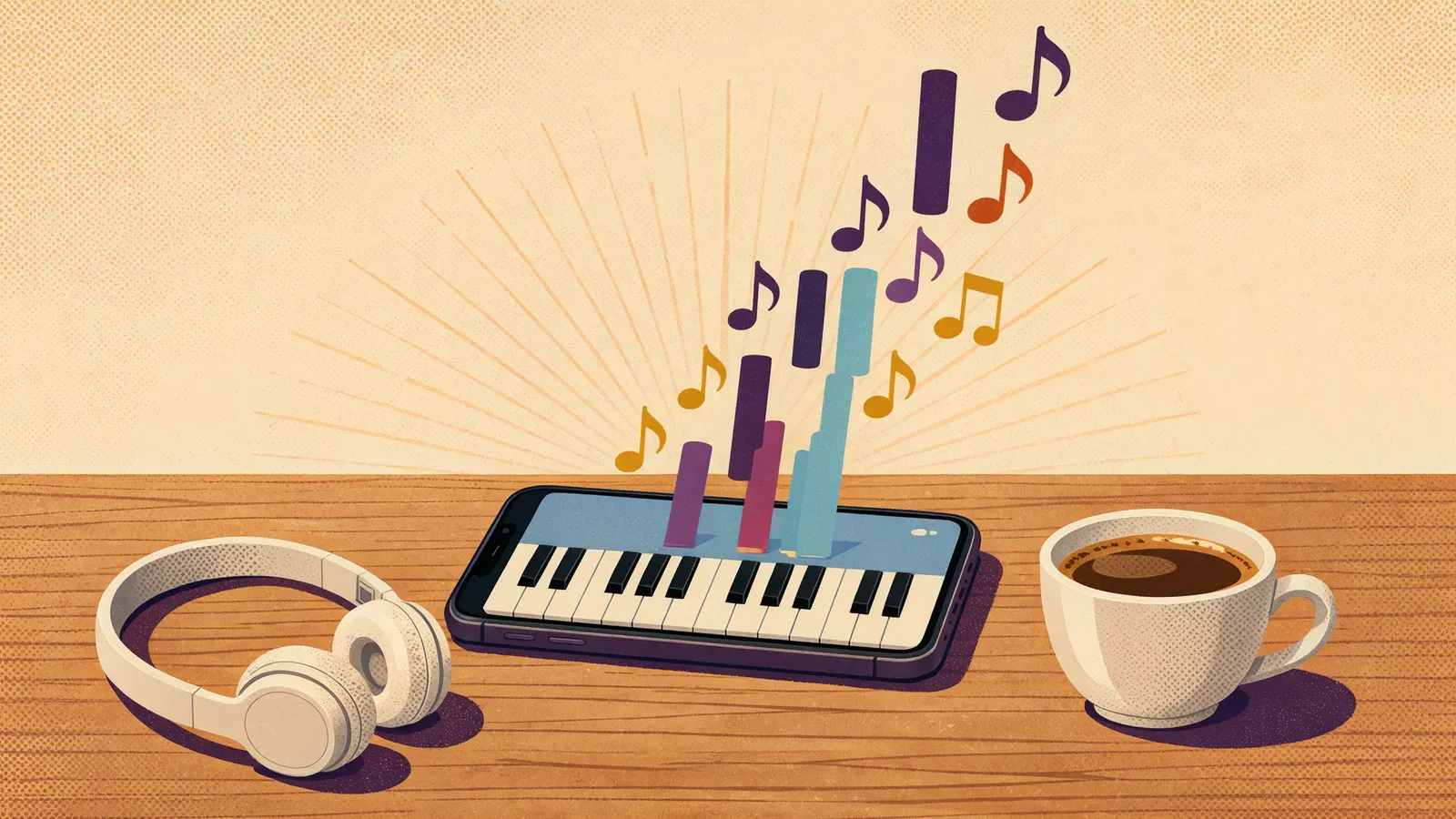
You follow a trail of 50 songs, from Twinkle Twinkle to The Entertainer, while notes fall toward the on-screen keyboard. Seven practice levels of 30-second drills teach every note, from your first three keys to black keys, two octaves and simple chords. Streaks, XP and badges keep you coming back.
Keep in mind: It doesn’t listen to a real piano, and it is iPhone only. It suits beginners who want to learn notes and songs before, or without, buying a keyboard.
Simply Piano
Best for: popular songs and step-by-step courses.
Place your iPhone or iPad on an acoustic or MIDI piano or keyboard and play; the app recognizes the notes and gives instant feedback. Courses cover the basics through to both hands and reading sheet music, with a large library of popular songs.
Keep in mind: It is built around playing a real instrument. Its Touch Courses offer an on-screen keyboard if you don’t have one yet.
flowkey
Best for: learning songs by watching a pianist.
Songs and courses are recorded by professional pianists, so you watch the hands play while the notes are highlighted. Wait Mode pauses until you play the right notes, and you can loop sections or practice each hand separately.
Keep in mind: You need a piano or keyboard to get feedback.
Skoove
Best for: a structured course with theory and note reading.
Interactive lessons mix pop and classical songs with music theory, sight-reading and technique. The app listens to your playing and gives real-time feedback.
Keep in mind: Best if you want a course-like path and already have an instrument.
Piano by Yousician
Best for: game-style practice with feedback on timing.
The app listens as you play and gives instant feedback on accuracy and timing, with a curriculum and video tutorials designed by piano teachers and a game-like progress system.
Keep in mind: You need a real instrument. Yousician also makes separate apps for guitar, bass and singing.
The bottom line
If you already own a piano or keyboard, start with an app that listens to you play: try the free lessons in Simply Piano, flowkey, Skoove and Piano by Yousician, and keep the one you enjoy. If you don’t have an instrument yet, or want to practice notes and songs anywhere, Piamo lets you start on your iPhone today. Whichever you choose, ten minutes a day matters more than the app. Our beginner’s plan for learning piano works with any of them.